Focus Timer
The Focus Timer helps you start on a task when starting is the hardest part.
How it works
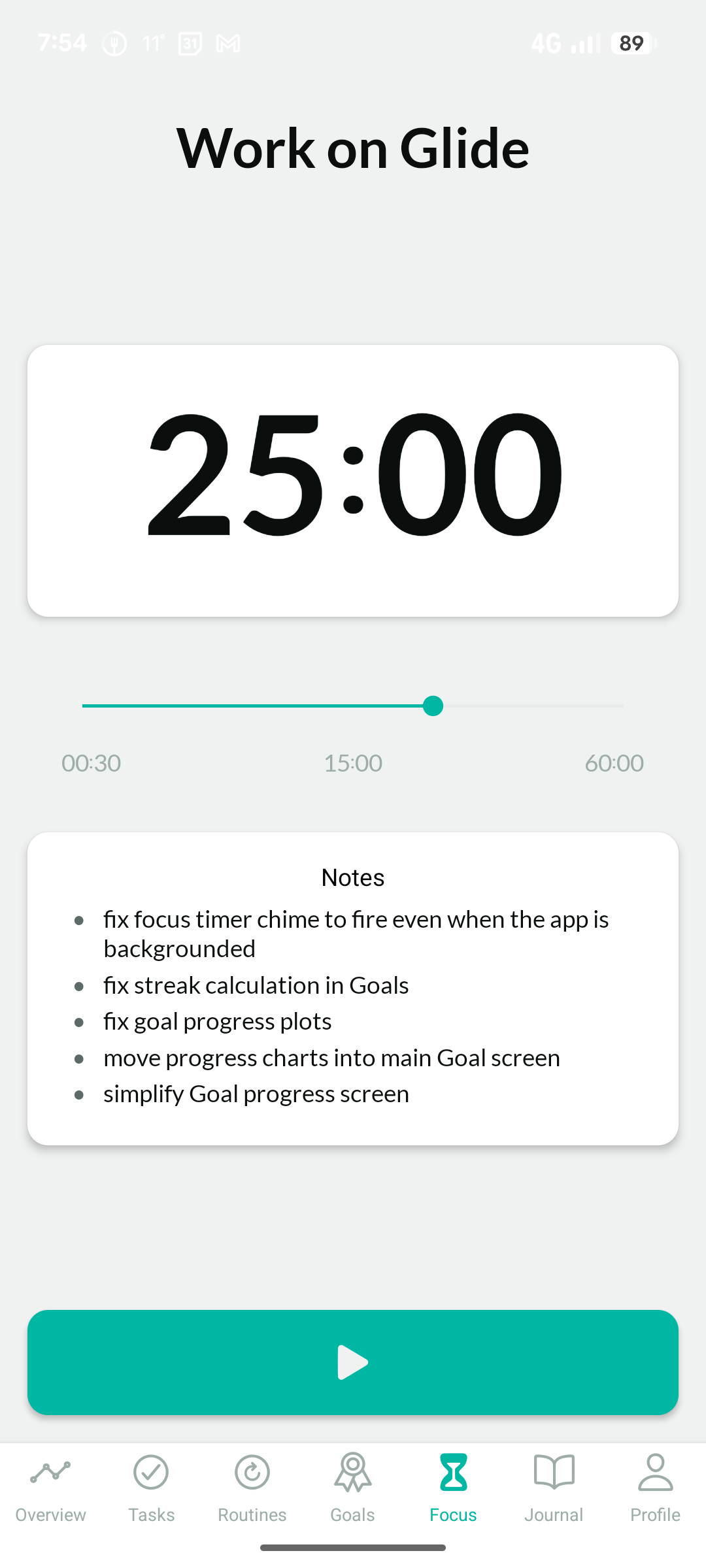
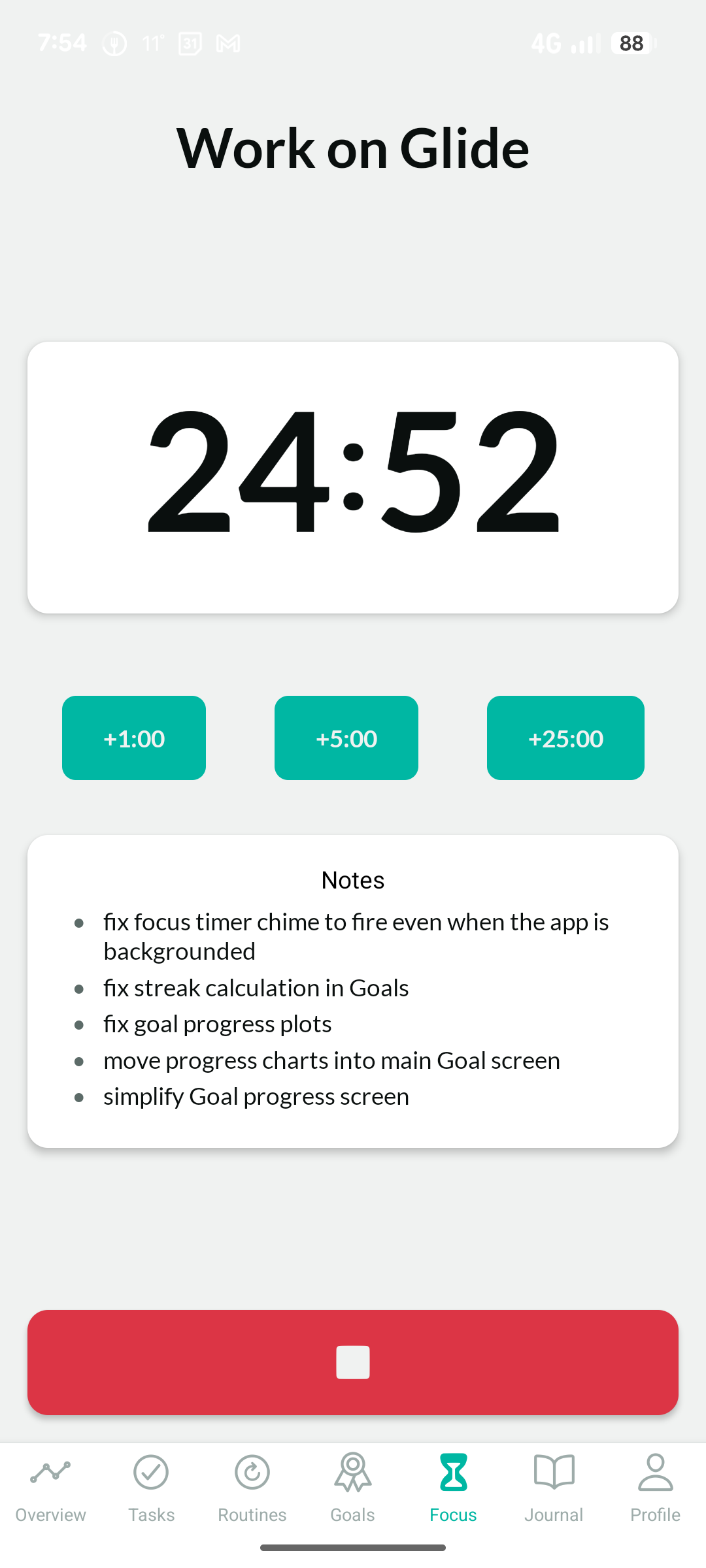
Set a duration — anywhere from 30 seconds to 60 minutes. You can launch the timer directly from a task, and the task's title and notes will stay visible on the focus screen so you have context while you work. Start it and work until it ends.
When the time is up, Glide alerts you — even if you've left the app. You can adjust notification settings in Focus Preferences.
You don't have to finish the task when the timer ends. The goal of the timer is to get you started — what happens after that is up to you.
The Pomodoro method
The Focus Timer is inspired by the Pomodoro technique: work in focused blocks, then take a short break. A common pattern is 25 minutes on, 5 minutes off. Glide doesn't enforce any particular rhythm — use whatever works for you.
If you've never tried working in timed blocks, 25 minutes is a good starting point. It's short enough to feel approachable, long enough to actually get something done.
Sound and alerts
By default, the timer plays a chime when it ends. It can also play soft chimes at intervals during the session — a gentle signal that time is passing without breaking your flow. Both can be configured in Focus Preferences, where you can also switch to vibrate-only or silent mode if you prefer.
The chimes and silent mode make the Focus Timer useful beyond focused work — it works well for timed meditation or exercise sessions too.
When to use it
- When you're struggling to start something and need a nudge
- When you know you might get easily distracted or bored of a task
- When you want to put a boundary around a task that tends to expand
- When you want a record of focused time linked to a specific task
- When you want a simple, configurable timer for meditation, breathwork, or exercise